

Nobody Gets In
50.3K subscribers7.2M views
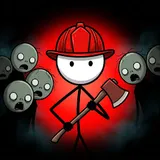
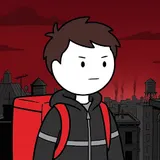
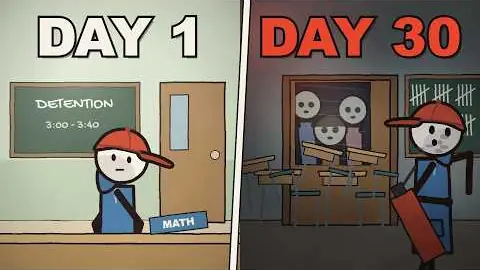
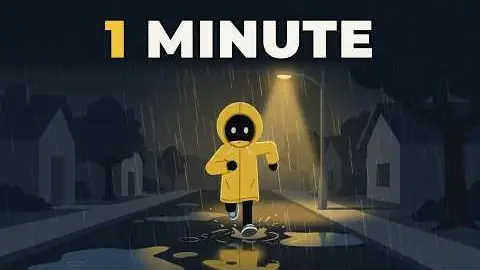
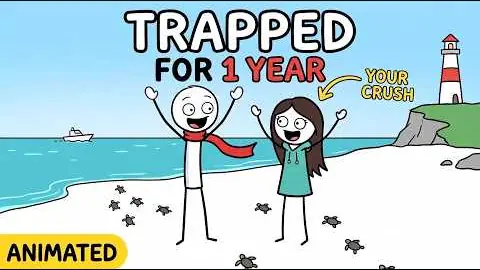
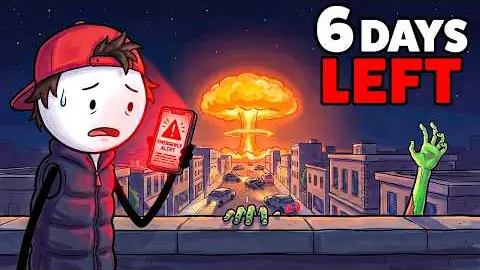
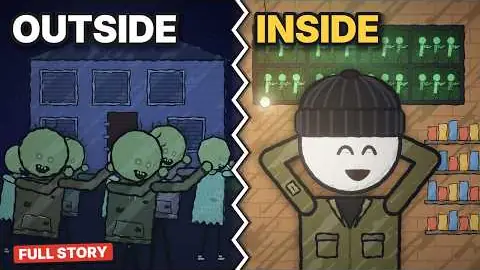
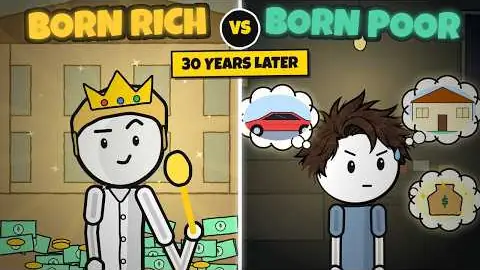
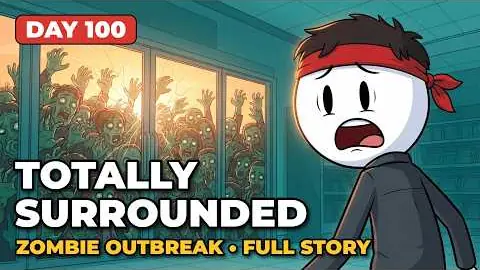
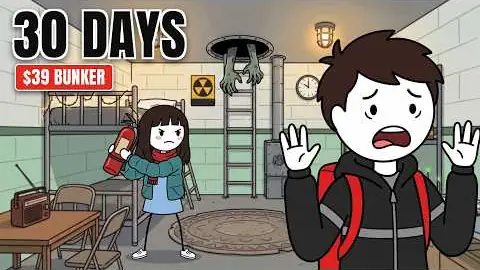
Thick black outlines over painted backdrops, one recurring kid or survivor.
The production instructions and source for this visual style.
kit/ and the skill into skills/faceless-story-cartoon/.SKILL.md in your coding agent and follow the workflow.---
name: faceless-story-cartoon
description: Produce faceless YouTube survival or serialized drama videos with consistent outlined cartoon puppets, painted locations, word captions, day counters, fast cinematic cuts, narration, sound, and verified final video.
---
## Public package setup
Export `KIT` to your extracted kit directory and `SKILL` to this extracted style directory.
Read README.md for dependencies, missing assets and setup. Example media and private review
material mentioned below are not bundled; create your own input/output paths.
Read [SPEC.md](SPEC.md) before writing the script or storyboard. It records the local reference study, palette, fonts, dimensions, cinematography and transition rules.
Use this folder as the render root. KIT is `$KIT`; PY is `$KIT/.venv/bin/python`. The kit reads credentials itself. Never read its env file, modify the kit, or use yt-dlp. All generated output stays inside this skill. Network calls go through kit scripts. Never borrow reference video, branding, lines or characters for output.
## Production
Write an original script: `Zombie Outbreak: 30 Days [specific confinement]` is the survival title formula. First-person narration, immediate concrete danger/safety assumption, first day action, next day reversal, unresolved reveal. A 15-second opening is 37–40 words at about 150wpm; longer serialized episodes can use the measured 179wpm if comprehensible. Do not claim the 15s hook contains thirty days. Day counters follow narration. Dialogue and narration use the same Scribe-aligned caption track; optional speaker labels belong in the safe upper region.
One command produces `final.mp4`, `thumbnail.png` and an actual QC result:
```sh
./build.sh path/to/script.txt --topic 'Zombie Outbreak: 30 Days Trapped in an Aquarium' --out examples/output --quality max --target-duration 15 --storyboard path/to/storyboard.json
```
Omit `--storyboard` for automatic script-specific painted backgrounds and sentence/reaction planning. This works as a starting point, but inspect semantic accuracy and replace beats with an authored storyboard for production. Automatic art never substitutes aquarium backgrounds for an unrelated story. Use `--stage voice|plan|stills|render|audio|qc` to resume; existing voice, words and music are cached. Delete only the specific output you intend to regenerate. Do not reuse timings from a changed voice.
The driver runs MiniMax voice → optional target-duration pacing → ElevenLabs Scribe → planner → stills → standard/max preview and vision QC → deterministic SS render → thumbnail → continuous music → mix → final kit QC. Failed QC stops the command. No pass is implied by successful rendering.
For a new art direction, author a JSON storyboard with title, location, character settings and `beats`. Each beat specifies `at` (an exact spoken phrase; first beat starts at zero), background (render-root-relative image), environment, size, angle, camera, day, hero, optional zombie/prop/title/sound. Example schema and working beats: [examples/test/storyboard.json](examples/test/storyboard.json). Generate background plates via `$PY $KIT/py/gen.py image 'prompt' output.png --model seedream --aspect 16:9`, then view them and log prompt/model/path. Assets must depict coherent attached machinery and true openings. The renderer accepts arbitrary plate paths and timelines; aquarium props are optional modules, not required scenery. For other people, put named profiles in storyboard `cast` and per-shot placements in `actors: [{"id":"friend","character":"friend","x":700,"y":900,"scale":1,"pose":"point"}]`; every actor uses the same parametric generator and is tracked by QC.
```sh
$PY scripts/plan.py script.txt words.json --storyboard storyboard.json --out examples/output/timeline.json --quality max
node $KIT/js/render.mjs --root . --page scene.html --data examples/output/timeline.json --ss 2 --still 2.0 --out examples/output/check.png
node $KIT/js/render.mjs --root . --page gallery.html --ss 2 --still 0 --out characters.png
```
## Art and edit constraints
Use the parametric rig in `modules/character.js`: skin, shirt, pants, hat and hair colors; headwear beanie/cap/none; build slim/ripped; expression worried/fear/surprised/happy/angry; poses idle/point/reach/guard/fear/hold; facing left/right; satchel accessory or none. `characters.png` proves six configurations including a ripped red-tank character. Keep the lead's settings fixed across shots. Set full-body feet to a visible floor baseline; close-ups can intentionally crop the torso, never eyes or headwear.
Plan 4–5 cuts per 10s, mostly 1.5–2.7s shots. Alternate wide geography, medium action, close face, extreme-close hand/mechanism. At least one wide and two motivated inserts per 15s. Set 2–5% deterministic camera drift per shot, modest pans; change angle and framing at cuts. Hard-cut on clauses or significant words. A 0.22s desaturated dissolve may mark a day jump. Titles fade over 0.2s in and 0.28s out. Never toggle a title away mid-shot. Keep the actor clear of solid doors and props; don't slide the head into a gate.
Captions stay in the bottom reserved band; day/location share a non-overlapping top rail. Typography uses system Comic Sans MS Bold, Chalkboard SE and Arial Black; no font files are redistributed. World-camera transforms never affect caption placement. `data-qc` covers text; `__qc` tracks actors across cuts. For new labels use measured boxes and don't anchor them across faces. See SPEC for all dimensions.
Sound: continuous quiet ominous ambience, no vocals, minimal drums. Latch click at the latch; electrical downlifter at power loss; knock at glass contact. Cues use the kit's bank and peak timestamps, generally 10–14dB below voice. Mix with the kit at -14 LUFS. Avoid automatic whooshes on every cut.
Draft uses SS1 and six particles; standard uses SS2 and 15; max uses SS2 and 30 with full glass treatment. All levels use the same coherent art, timing, layout and correctness. Preview standard/max before final rendering. Record measured render cost per video second in the output notes; don't extrapolate unmeasured quality levels as facts.
## QC loop and delivery
View stills, including a six-moment sheet beside matching reference shot sizes. Fix the largest visual differences in reusable modules or planning. Run the kit QC on the mixed final with `--qc silent.qc.jsonl --timeline timeline.json --words words.json --style 'Outlined 2D story cartoon'`. Read report and flagged frames full-size. A disputed finding remains open. Fix and rerender until exit 0; `ignore.json` is only for an intended effect that has been personally inspected and documented, never for evading a real defect. Max requires a second vision pass on flagged spans after fixes.
For a local code fix after a full render, replace a frame-aligned span without retiming the episode:
```sh
$PY scripts/repair.py examples/output --from 5.8 --to 8.8 --quality max
./build.sh examples/output/script.txt --out examples/output --quality max --stage audio
./build.sh examples/output/script.txt --out examples/output --quality max --stage qc
```
Include any following dissolve that contains the changed previous shot. Repair validates total frame count and replaces the span's QC telemetry. It retains a before copy for audit. Re-export reference comparisons and final inspection frames after repair. For quality timing, `scripts/benchmark.py examples/output` measures two-second draft/standard samples and includes full-render max metrics.
Source only. Fetch assets separately; setup and credits are in the README. All 11 skills ↗
50.3K subscribers7.2M views

14K subscribers1M views

3.8K subscribers689K views

4.8K subscribers494K views

4.2K subscribers443K views

476 subscribers268K views

5.3K subscribers240K views
932 subscribers180K views
4.1K subscribers146K views
1.7M views
919K views
359K views
328K views
237K views
183K views
154K views
33.1K views