Final Sight
15K subscribers4.4M views
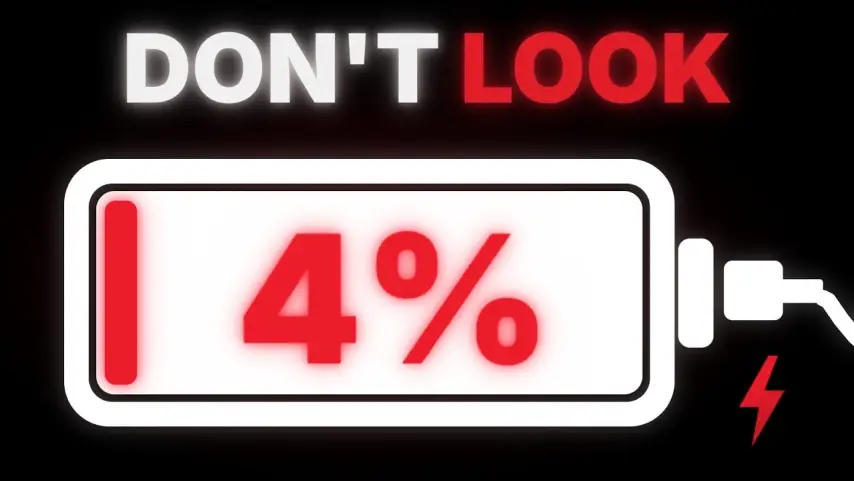
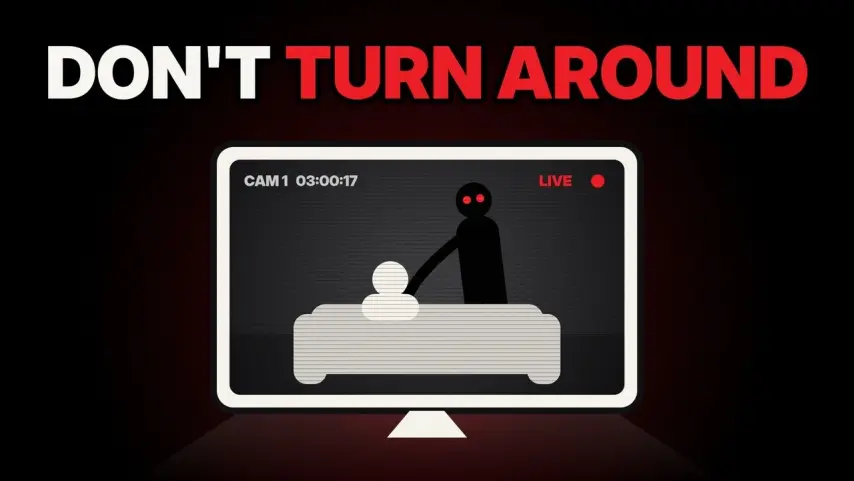
White safety-sign pictograms on black, one red or yellow accent, numbered rule cards and calm narration.
The production instructions and source for this visual style.
kit/ and the skill into skills/faceless-pictogram-horror/.SKILL.md in your coding agent and follow the workflow.---
name: faceless-pictogram-horror
description: Build and render original narrated rule-horror videos with white silhouette scenes, articulated creatures, timed captions, numbered rules, restrained glitches, thumbnails, and verified audio/video QC.
---
## Public package setup
Export `KIT` to your extracted kit directory and `SKILL` to this extracted style directory.
Read README.md for dependencies, missing assets and setup. Example media and private review
material mentioned below are not bundled; create your own input/output paths.
# Pictogram rule horror
Read [SPEC.md](SPEC.md) before planning; it records the studied reference framing, type, palette and motion. This skill uses the shared local video kit at `$KIT`; do not modify the kit or read its secret file. Work on the rendering system. All scene art is original procedural vector art. See [CREDITS.md](CREDITS.md).
## Produce a video
Write an original script, normally second-person: “If [ordinary thing] ever [wrong detail]… DO NOT [action].” Establish the ordinary object immediately, reveal the wrong detail within ~3 s, state the forbidden action by ~6 s, then numbered observable rules. Aim for 164–175 words/minute and calm, flat narration. A 15 s opening holds about 42–44 words. Do not copy reference topics, lines, names or branding.
```bash
./build.sh script.txt --topic 'Mirror incident' --brief brief.json --out examples/name --quality max
```
This command runs MiniMax voice → Scribe → planner → shot stills and thumbnail → preview QC → silent render → drone music → ducked mix → final QC. It stops on failed QC. `final.mp4` and 1280×720 `thumbnail.png` are in the chosen output directory. `--quality draft|standard|max` defaults to standard. Draft uses ss1; standard/max use ss2. Scene geometry, layout and storytelling remain correct at every level. Max adds refined grain/glass/glow and requires a side-by-side reference contact sheet.
For visual iteration, use `--stage prepare` first: voice, Scribe, plan, stills and thumbnail only. Inspect stills with the image viewing tool before proceeding. Stages `voice` (voice plus Scribe), `plan`, `stills`, `render`, `music`, `mix`, `qc` can be run independently with the same arguments. Voice caching uses a fingerprint of script, voice, speed and target WPM. Audio/timings are regenerated when these inputs change. Do not edit words.json to force a timing; regenerate or re-time the audio with the kit.
```bash
KIT=$KIT
PY=$KIT/.venv/bin/python
$PY scripts/plan.py script.txt words.json --audio vo.mp3 --brief brief.json --out timeline.json --quality max
node $KIT/js/render.mjs --root . --page scene.html --data examples/name/timeline.json --still 3.5 --ss 2 --out examples/name/check.png
```
## Plan scenes
The planner consumes actual Scribe words. With no brief, it infers bathroom, bedroom, kitchen or corridor from the script and cuts on sentence/rule boundaries. For production, supply a brief with spoken phrase anchors and scene art direction. See [references/timeline.md](references/timeline.md). Unknown settings require a new room/prop module or explicit primitives; do not replace a narrated object with an unrelated generic icon.
Timeline is the source of truth: `shots` carry size, angle, camera start/end, room, character, expression, articulated raise/step, transition and rule; captions, HUD, cuts, sound cues and music prompt are included. Renderers are pure functions of time. Captions use actual word starts; multiple caption changes can occur within one shot. Voice source and timing metadata live beside the video.
Target 2.5–3.5 cuts per 10 s, typically 1.8–4 s shots. Alternate wide establishing scene, medium view, face/object close-up and a hand/object insert. Slow 2–6% pushes, subtle drifts and direct cuts match the references. A tighter crop must show the described detail, preserve prop relationships and keep hands connected. Use view=mirror-pov for the complete mirror without a half-head at the edge; retain all four bezel edges for both face and raised-hand details, below the HUD. For a full-body instruction, use stage=full and a camera that fits head, feet, hands and basin; leave natural space below the floor for captions. Never waive a naked black-band cut through the primary subject. Keep silhouettes white across all framings. Show a whole figure for a step-back instruction; anchor stepAt to its actual spoken words, with a visible 1.3-unit displacement over 0.7 s. Hands unfold as opaque connected geometry, never by layering translucent palms. Use a 0.18 s glitch only on a motivated reveal/rule transition, not every cut. No full-white flashes. `cut`, `glitch`, and `dip` are supported. Rule cards use `card`; warning frames use `warning`. Caption/HUD/label positions are solved by the shared layout module and are exposed to QC.
## Character and room kit
`modules/characters.js` exports `character(ctx, params, x, floor, height, t)` and the five core poses: stand, sit, run, hide, look, plus raised-hand. Parameters: stable id, build (slim/normal/stocky/muscular/elongated), clothing (shirt/tank), clothingColor, hair (crop/ponytail), headwear (cap), accessory (glasses/flashlight), face, expression (neutral/closed/grin), flip, raise. For “ripped guy in a red tank top” use build muscular, clothing tank, clothingColor #E72D43. `characters.png` shows six configurations. Re-render with:
```bash
node $KIT/js/render.mjs --root . --page characters.html --data characters-data.json --still 0 --ss 2 --out characters.png
```
`modules/rooms.js` provides bathroom, bedroom, kitchen, corridor, mirror, sink, door, window and bed. Add coherent physical props here; reference them from timeline data. Sink drain leads into its wall fitting; towel hangs from a rail; the feet contact the floor. Reflected entity movement is independent of the observer by story design. Glass clipping is intentional only at the pane boundary; fingers and facial details must remain legible.
## Sound and thumbnail
Use kit voice.py with `English_Trustworth_Man`, emotion calm, native speed 1.0, then scripts/pace.py normalizes pitch-preserving tempo to --wpm 170 before Scribe. Continuous low analogue drone, cold glass resonance, no pulse, beat, melody or vocals. Kit music.py writes bed-generated.wav; scripts/bed.py selects a stable sustain and crossfades it into a continuous bed.wav at -23 dB RMS, with short edge fades. Kit mix.py ducks the bed at -21 dB, SFX mostly -16 to -12 dB, targets -14.5 LUFS. Sparse sub hit, tick and glitch align with the visible event; never random impacts.
Thumbnail uses a red field, a short white/black imperative on the left, and an original framed creature close-up on the right, joined by a broad white curved pointer. Pass `thumbnailText` with one newline; use a warning that matches the script. This differs intentionally from the black-field video, as the leading reference's thumbnails do.
## QC and iteration
All render commands run in the foreground. No background jobs or sleep polling loops. Render small slices for iteration. Keep silent.mp4.qc data, timeline and words. The kit names the hooks file `silent.qc.jsonl`.
```bash
$PY $KIT/py/qc.py examples/name/final.mp4 --out examples/name/qc --qc examples/name/silent.qc.jsonl --timeline examples/name/timeline.json --words examples/name/words.json --style 'Pictogram rule horror' --intended 'deliberate glitch transitions and RGB split'
```
Read report.md and view flagged.jpg and full-size flagged frames. A disputed finding remains open. Fix the cause in this skill, re-render the affected shot or full short video, remix and re-run until exit 0. `ignore.json` is only for a visually verified intended feature with a precise reason; never suppress a real defect. The build passes a production-local `ignore.json` to preview/final QC only when that audited file exists. Code QC includes measured text boxes and camera-projected persistent objects. Do not game hooks or omit tracked objects to clear QC.
Producer correction: explicit caption entries may be `{text, lead, tail}` objects. Lead is bounded to 0.4 s; intermediate captions end at their own last spoken word plus tail (default 0.7 s), capped by the next caption. A shot may use lead to match that handoff. Do not hold an outgoing directive over the next spoken instruction. Preserve word_start and spoken_end in timeline.json for auditing.
Source only. Fetch assets separately; setup and credits are in the README. All 11 skills ↗
15K subscribers4.4M views

6K subscribers1.1M views

5.3K subscribers939K views

804 subscribers150K views

1.2K subscribers137K views

862 subscribers135K views

725 subscribers123K views

337 subscribers114K views
1.1M views

850K views

581K views
92.5K views
70.8K views

61.4K views
33.6K views
31K views