

Dummyology
6.7K subscribers1.5M views
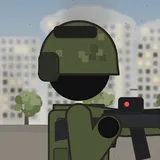
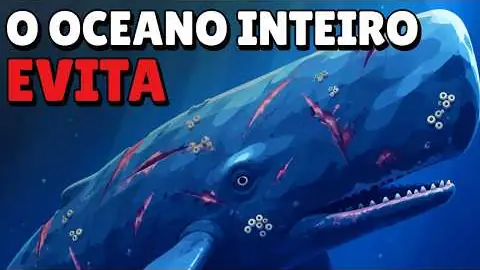
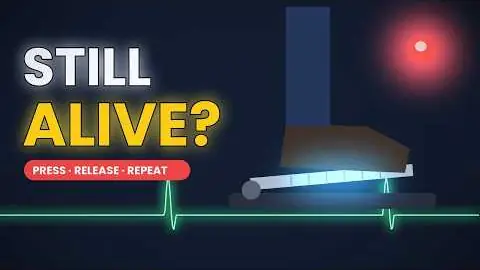
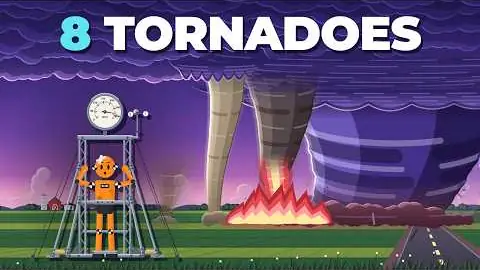
Flat vector explainers on navy or bright backgrounds: keyword labels, icons, side-view evolution ladders and crash-test dummies.
The production instructions and source for this visual style.
kit/ and the skill into skills/faceless-flat-explainer/.SKILL.md in your coding agent and follow the workflow.---
name: faceless-flat-explainer
description: Create narrated faceless YouTube explainers with an original recurring vector mascot, illustrated side-view worlds, word-timed labels, motivated camera moves, sound and verified video output.
---
## Public package setup
Export `KIT` to your extracted kit directory and `SKILL` to this extracted style directory.
Read README.md for dependencies, missing assets and setup. Example media and private review
material mentioned below are not bundled; create your own input/output paths.
# Faceless flat explainer
## Make a video
Write an original `script.txt`. Use **What happens if you [everyday mistake]?** or **Why [everyday system] (almost) never [fails]**. Start with the action already in view; follow with its hidden cause. Use second-person premises and short causal sentences at 150–170 words/minute. Around 40 words makes a 15-second opening. Do not copy a reference's topic, language, mascot, brand or name.
```bash
cd $SKILL
./build.sh --script my-script.txt --topic 'What happens if you flush a wet wipe?' --out examples/my-video --quality max
```
The command performs voice → Scribe timings → plan → six stills/reference sheet → thumbnail → preview QC → render → generated music → ducked mix → final QC. It stops on errors and on QC findings. Existing voice/timing/music files are reused for visual revisions; remove those files in the video's folder when changing the script. Final outputs are `final.mp4` and 1280×720 `thumbnail.png`.
For art direction before full rendering:
```bash
./build.sh --script my-script.txt --out examples/my-video --quality max --mode prepare
./build.sh --out examples/my-video --quality max --mode stills
# View reference_contact.jpg and the individual stills; fix renderer/planner.
./build.sh --out examples/my-video --quality max --mode finish
```
Do not treat a generated contact sheet as reviewed until you have opened it with an image viewer. For a new mechanism, use a storyboard as described in [references/timeline.md](references/timeline.md). The built-in wet-wipe journey through plumbing is literal; other topics use an illustrated workshop and semantic icon library. That fallback is a starting composition, not an excuse to show a generic gear while narrating an unfamiliar physical mechanism. Add a literal prop/world to the library and storyboard when needed.
## Cinematography and layout
Use medium/wide action → close object detail → wide location/travel → macro mechanism. For the bright mascot hook, 2–4.5 shots/10 s is supported by Dummyology, whose rate is much faster than the mixed-channel median. Explanation holds can run 4–8 s. Changes follow the narration and action, not a metronome. Camera motion is a 3–7% push, a motivated follow, or a connected descent with parallax. Never one fixed wide shot.
Use hard cuts on action, matching the object across framing changes, and continuous travel through a connected world. A short dip can mark a time jump. Keep the mascot design and world topology stable across shots. Transient hands and props must cross the active camera viewport edge before removal. Derive clearance from the current render transform; a fixed world-space travel distance can fail after a wider cut. Check the last visible encoded frame. World details must serve a narrated cause or location. Ground feet; join all pipes; keep open channels visibly open. Annotate every text item through `Pen.text` and every principal subject through `Pen.object`.
The renderer reserves a cream title area, stage aperture and navy narration strip. Text is measured before placement; font weight and size do not change when a word is highlighted. Labels, HUD and captions get independent rectangles, verified each frame before drawing. Do not add unmeasured text directly to canvas.
## Sound and quality
Voice: clear MiniMax storyteller, normal speed, original natural narration. Timings come from ElevenLabs Scribe. Music: continuous quiet curious plucks/pulse, no vocals; mix at -23 dB with voice sidechain compression. Lever click, soft travel whoosh and a restrained snag tap support the action; avoid decorative effects on every word. Kit mix normalizes to -14 LUFS.
- `draft`: 1× pixels, simpler scenery detail; same geometry, narration and exact layout.
- `standard`: 2× supersampling, detailed illustration, preview QC then final QC.
- `max`: 2× supersampling, all illustrated detail, six comparisons to actual references, full-size review and second vision pass on flagged spans. Photorealistic assets/PBR are inappropriate to this vector style.
All time-dependent drawing is a pure function of `t`; no CSS transitions, timers or random calls. Seeked stills must match rendered frames. New icon functions belong in `js/core2d.js`; world modules and transitions in `js/renderer.js`; timing and wording fixes in `planner.py`, not only in one video's JSON.
## QC loop
```bash
PY=$KIT/.venv/bin/python
KIT=$KIT
$PY $KIT/py/qc.py examples/my-video/final.mp4 --out examples/my-video/qc --qc examples/my-video/silent.qc.jsonl --timeline examples/my-video/timeline.json --words examples/my-video/words.json --style 'Flat 2D explainer'
```
Open `qc/report.md`, `qc/flagged.jpg` when present, and full-size frames for every medium/high finding. A disputed finding is still open. Fix the source, re-render and mix, then run QC again until exit 0. Genuine intentional composition findings may be documented in `ignore.json` with a concrete visual reason after manual inspection; never use it to hide defects or failed review. Record native-frame evidence plus video/exception SHA-256 values in `ignore.audit.json`; `scripts/qc_final.py` and build.sh apply an exception only when those hashes still match and the evidence exists. Rerun that final gate with `$PY scripts/qc_final.py examples/my-video`.
## Assets and attribution
All production art is original code-drawn vector geometry; system Avenir Next/Helvetica Neue are rasterized on the Mac. No downloaded reference artwork, channel branding or generated imagery is included in the final. Reference extracts in `study/` are analysis-only. See [ASSETS.md](ASSETS.md) and [CREDITS.md](CREDITS.md). Real assets can be added via the kit when they improve the intended style; honor licenses and log credits.
Source only. Fetch assets separately; setup and credits are in the README. All 11 skills ↗
6.7K subscribers1.5M views

1.6K subscribers1.2M views

4.4K subscribers1.1M views

1K subscribers721K views

4K subscribers658K views

1.9K subscribers554K views
1.2K subscribers261K views

1.1M views
753K views
704K views
516K views
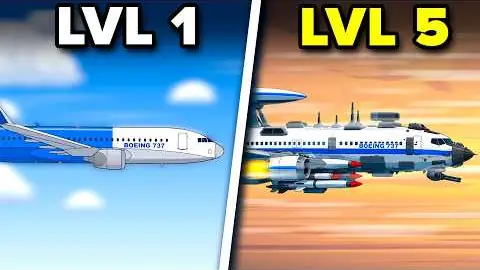
440K views
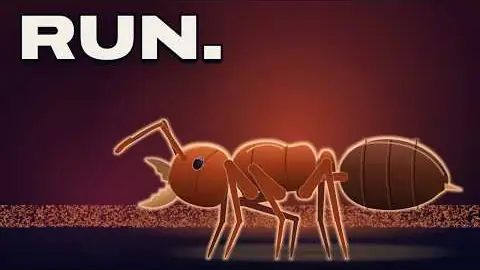
362K views
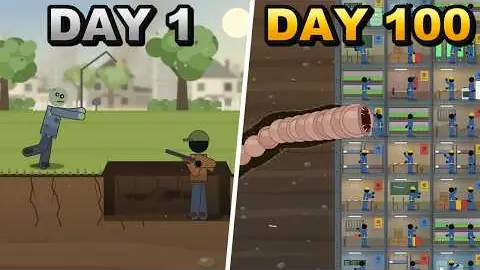
83.3K views
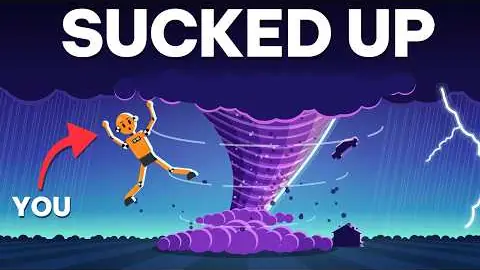
332K views
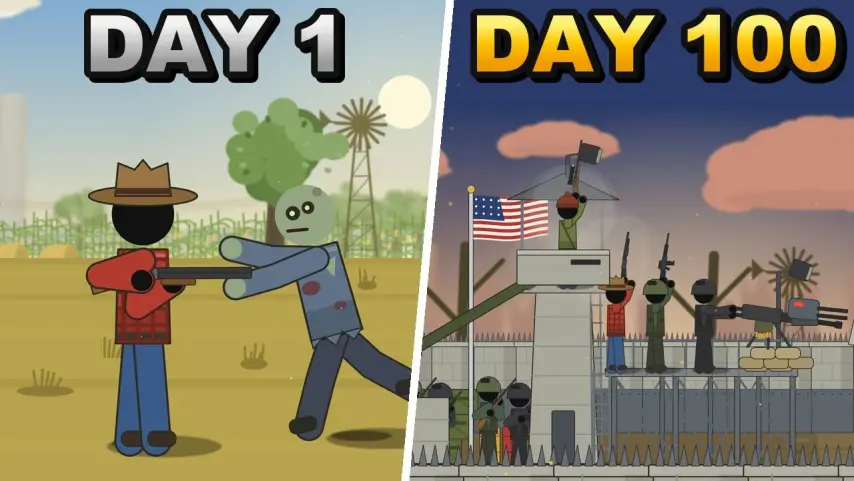
89.5K views
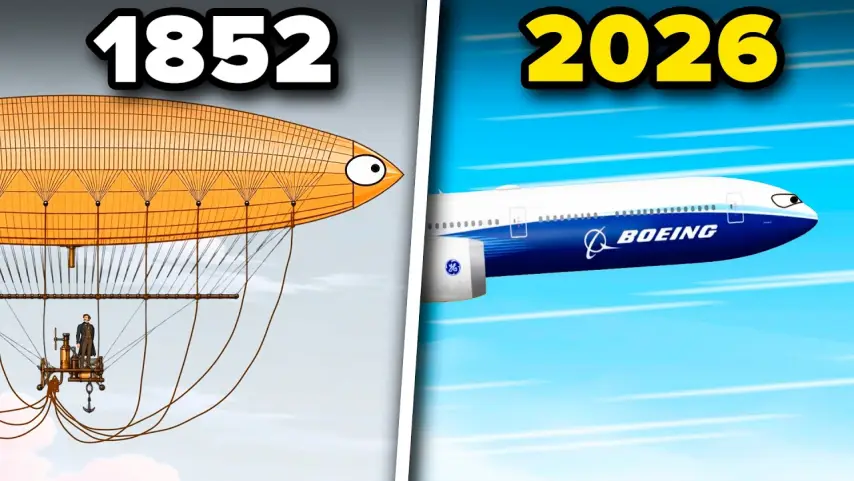
59K views

14 views
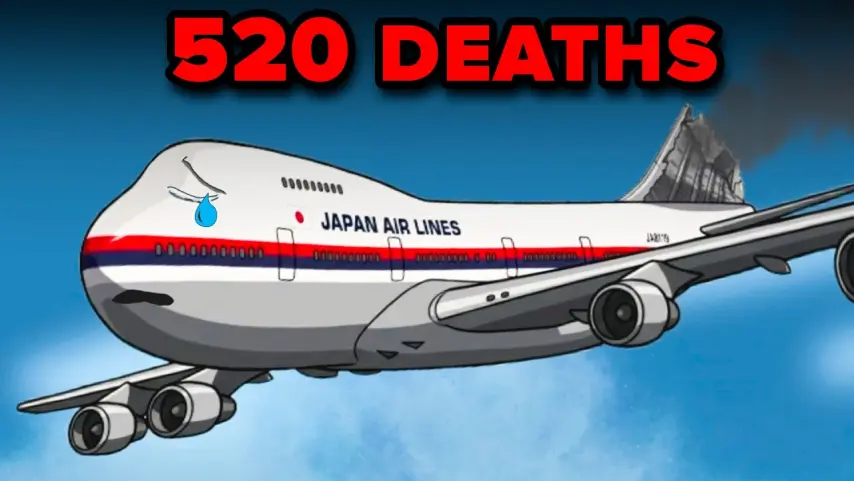
41.8K views
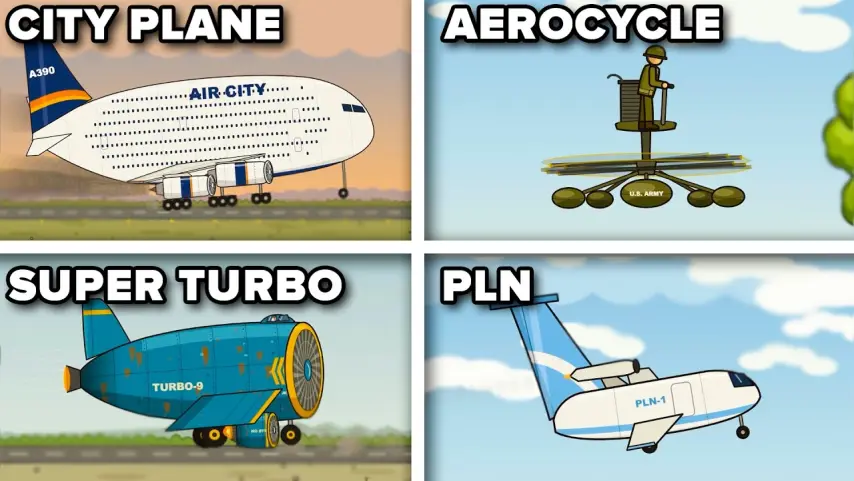
29.9K views
29K views
20.5K views
15.5K views